Screen time control
Block distracting apps. Earn time to unlock them.
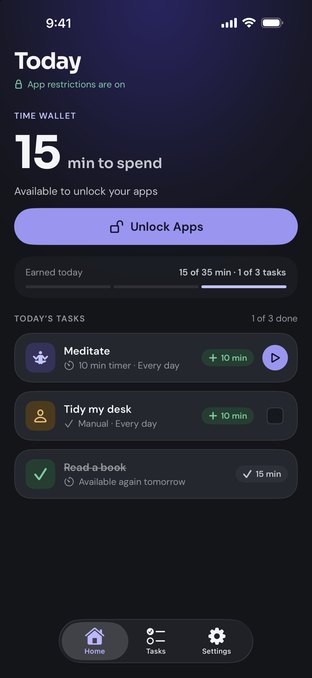
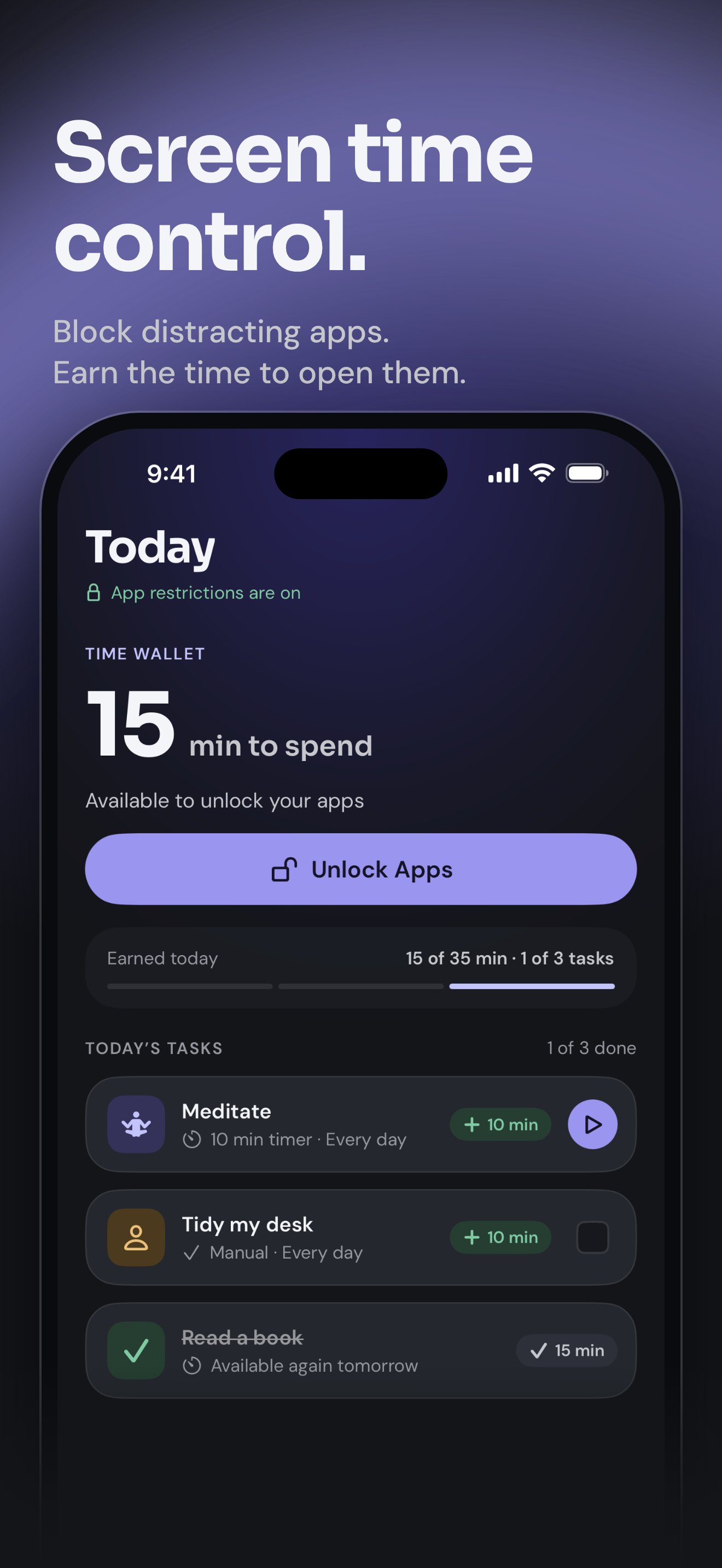
Choose the apps you want to block. Read, study, or finish a task to earn screen time. Spend your minutes when you’re ready for a break.
Free on iPhone and iPad. No account needed.
How it works
One example, start to finish.
-
STEP 1
Blocked
Choose your apps
Pick the apps you tend to open out of habit. Vimo blocks them using Apple’s Screen Time.
-
STEP 2
20 min +15 min
Earn your minutes
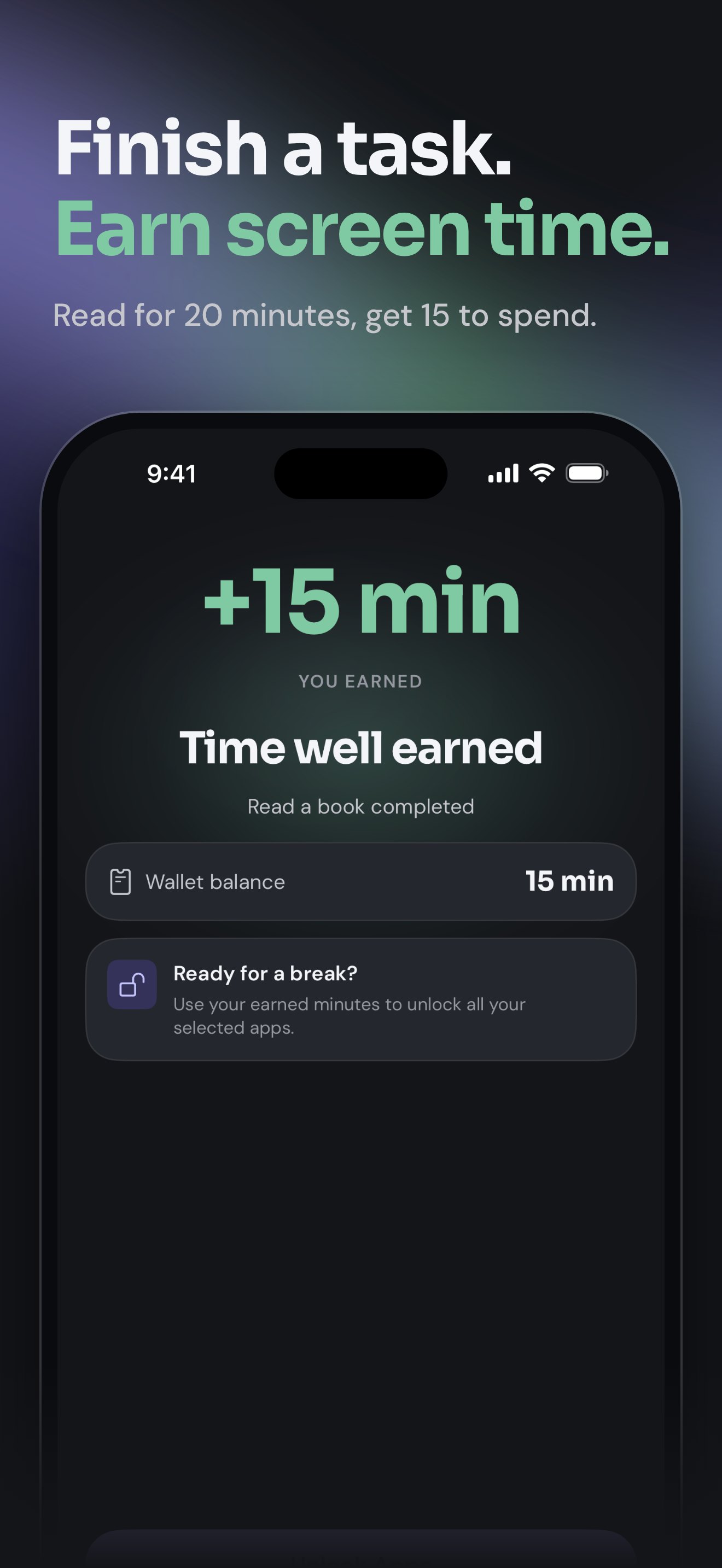
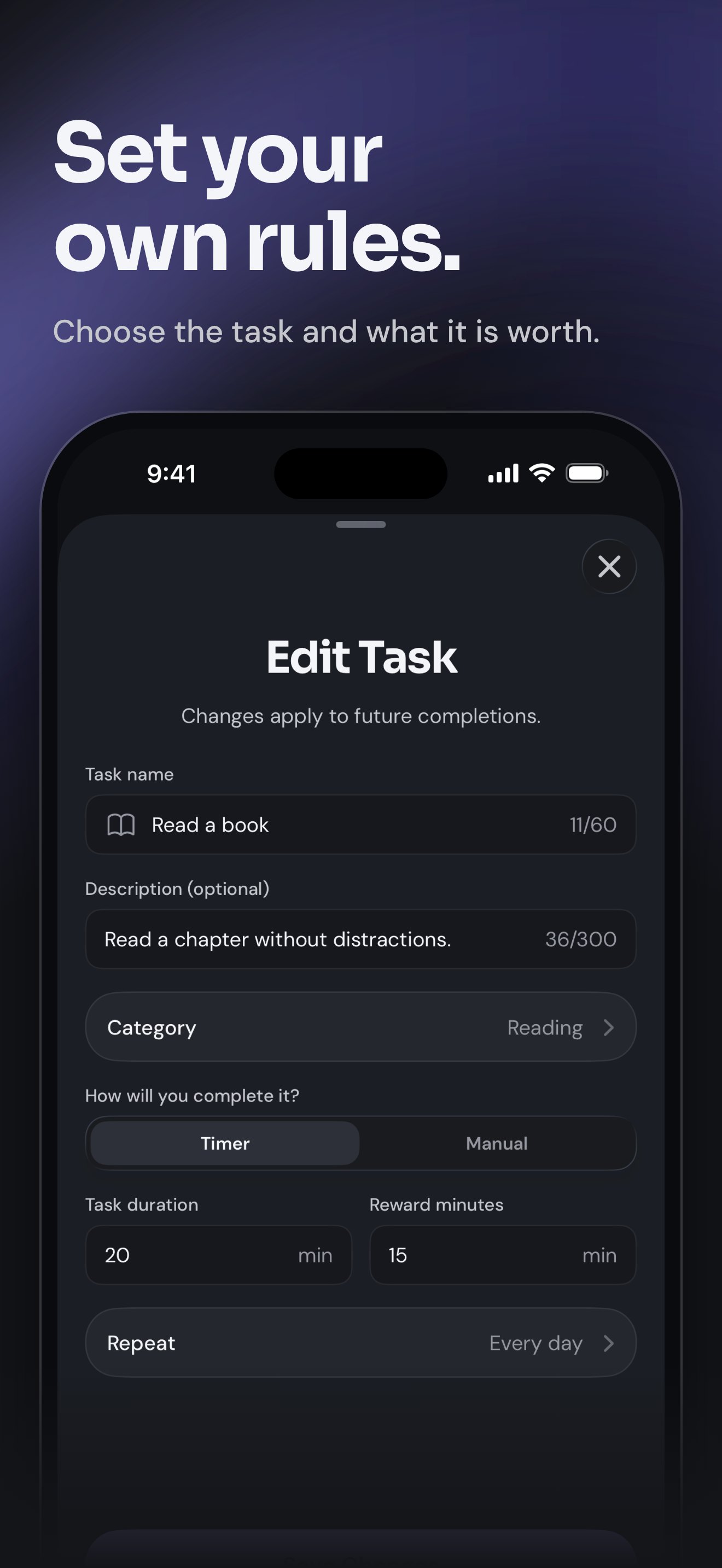
Set a 20-minute reading timer and give yourself a 15-minute reward. Finish reading and the minutes go into your Time Wallet.
-
STEP 3
15:00 left
Unlock a break
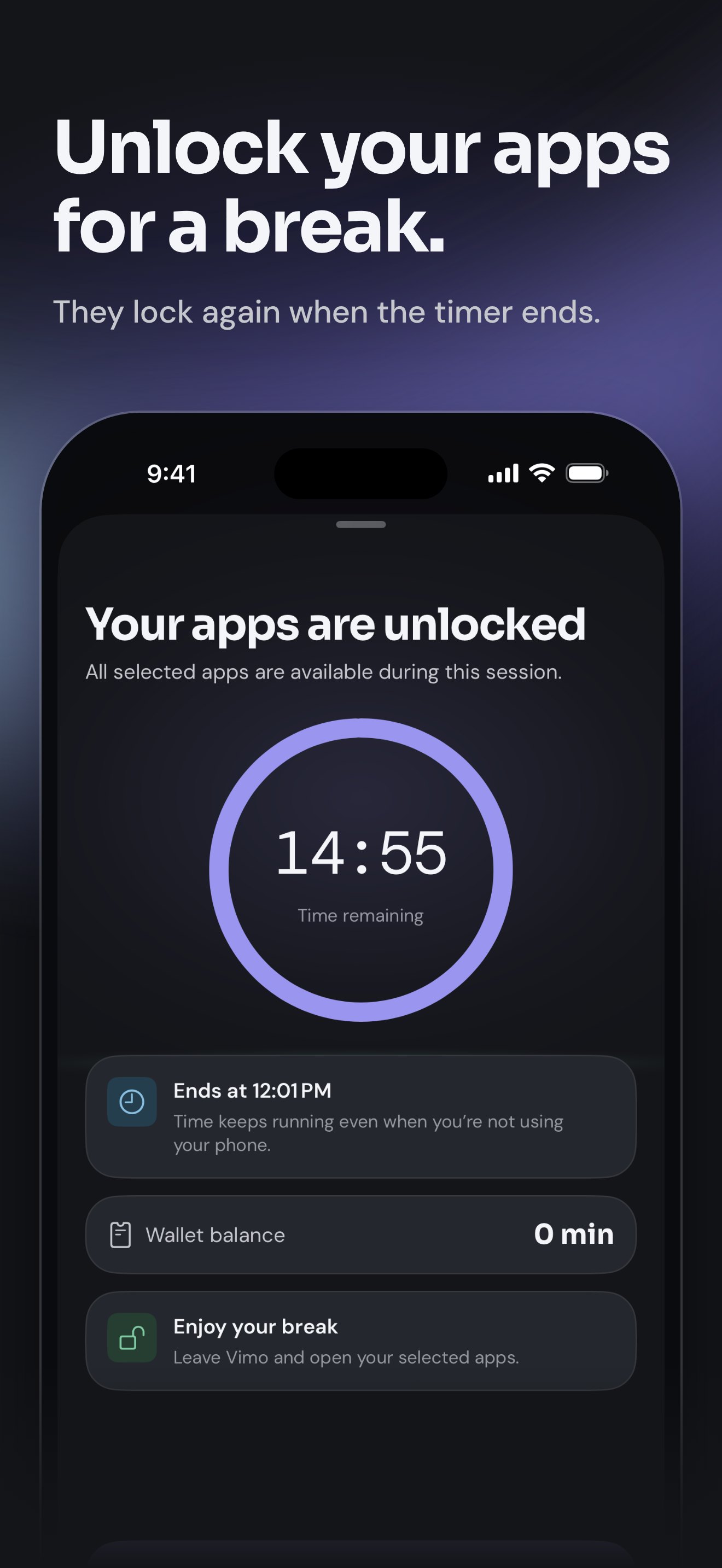
Spend those 15 minutes to unlock your selected apps. When the break ends, Vimo blocks them again.
Features
Tasks that fit your routine
Use a timer for reading or studying, or check off a task after a walk. Choose your reward and the days you want to repeat it.
A wallet for your screen time
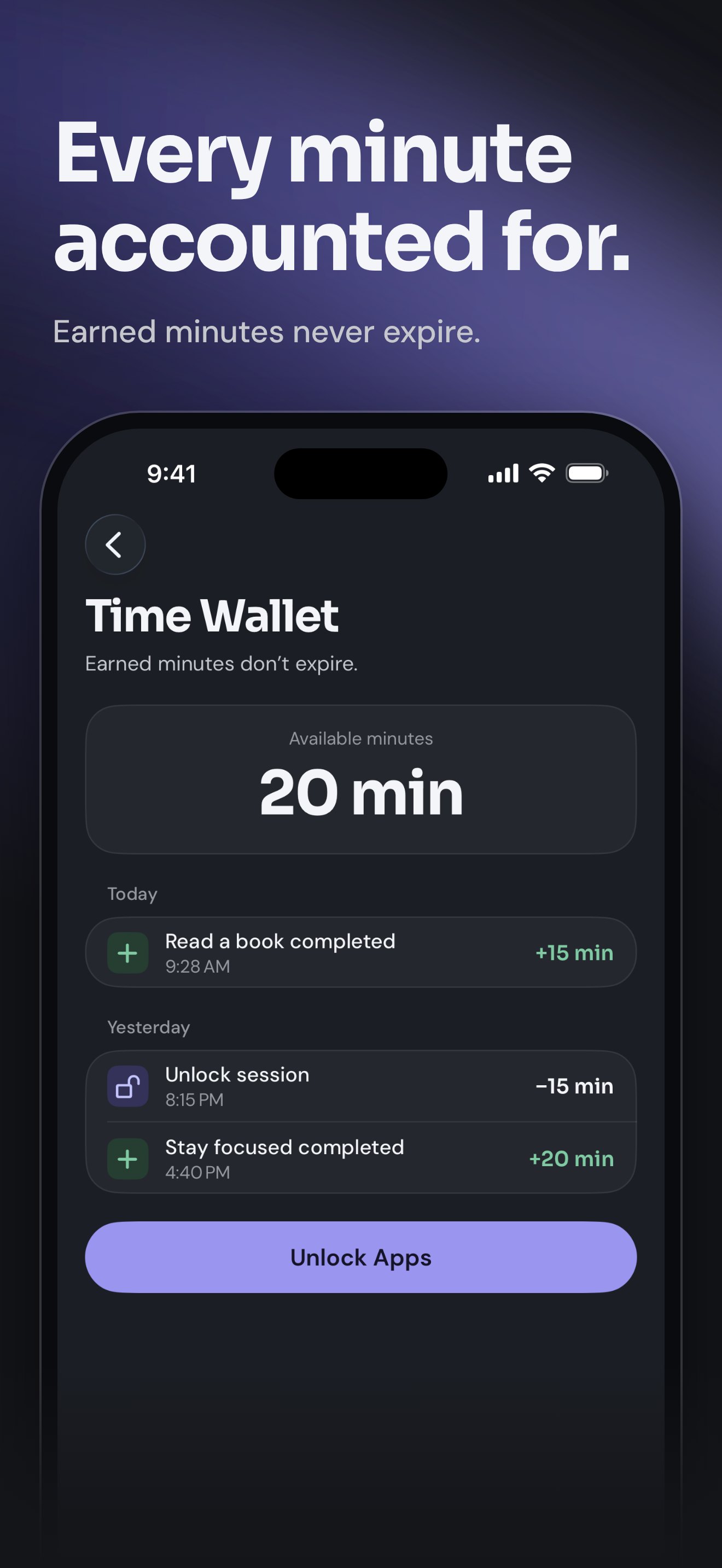
Save earned minutes for later. They don’t expire, and your history shows what you’ve earned and spent.
Breaks with a clear end
Unlock your selected apps for 15, 30, 45, or 60 minutes using your available balance.
Start free with up to three active tasks. Vimo Pro gives you unlimited active tasks.
Vimo in action
What will you do before your next scroll?